01 / Founders
ContextWarm intros, kept alive.
Investor dinners, Demo Day, advisors, operators.
- Investor interests
- Who offered the intro
- Where the relationship started
Intro moment
Before the partner meeting
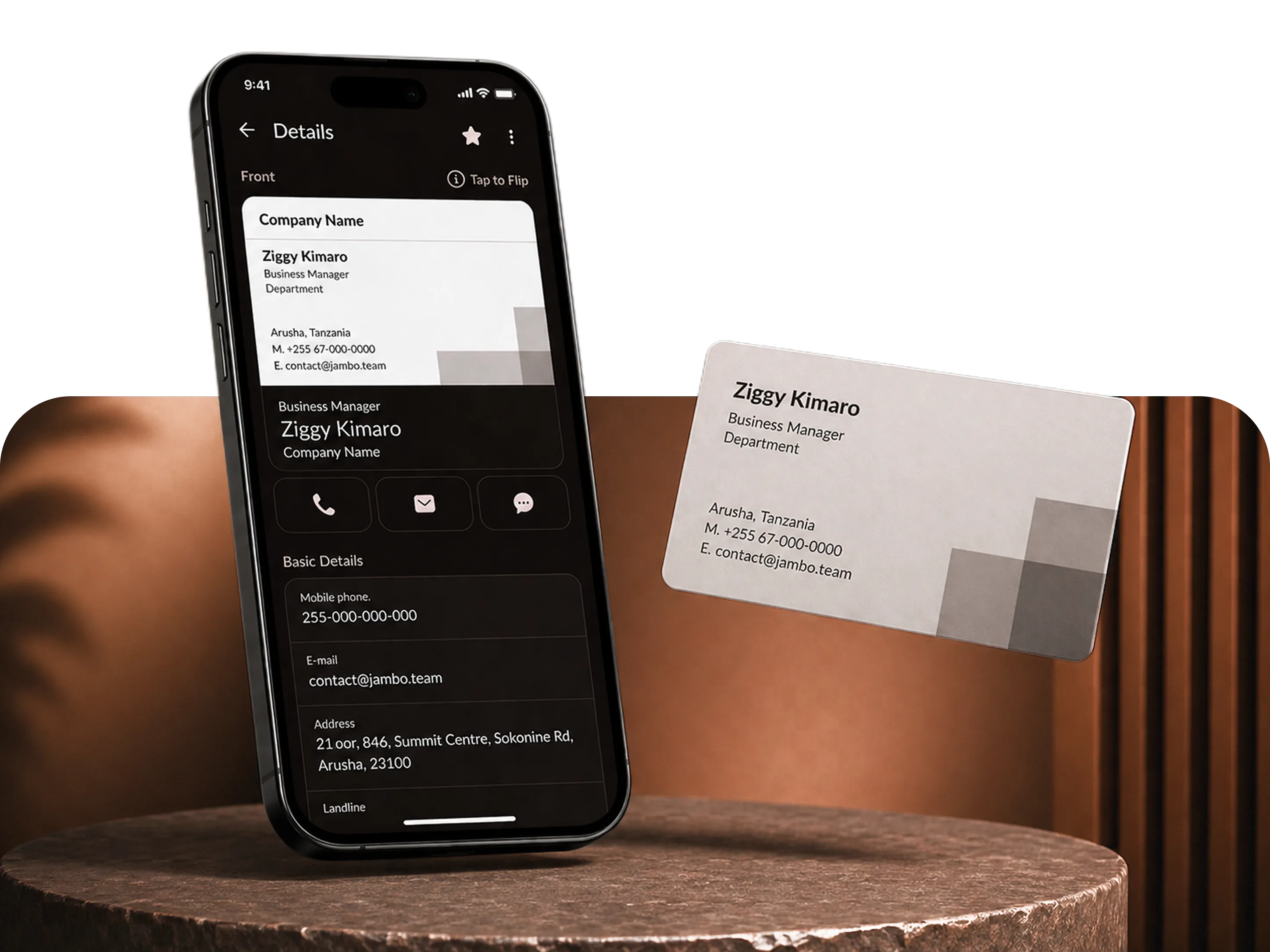
Scan a card, keep the place, note, and next action with the person, and meet them again without starting from zero.


Using desktop?Open Web App
The cost of forgetting
A business card can tell you who they are. It rarely tells you why the next message matters.
You remember the product, the city, and the intro they asked for.
The note in your head
92%
Lagos launch. Asked for Wanjiru intro. Follow up Friday.
How Kumbuka works
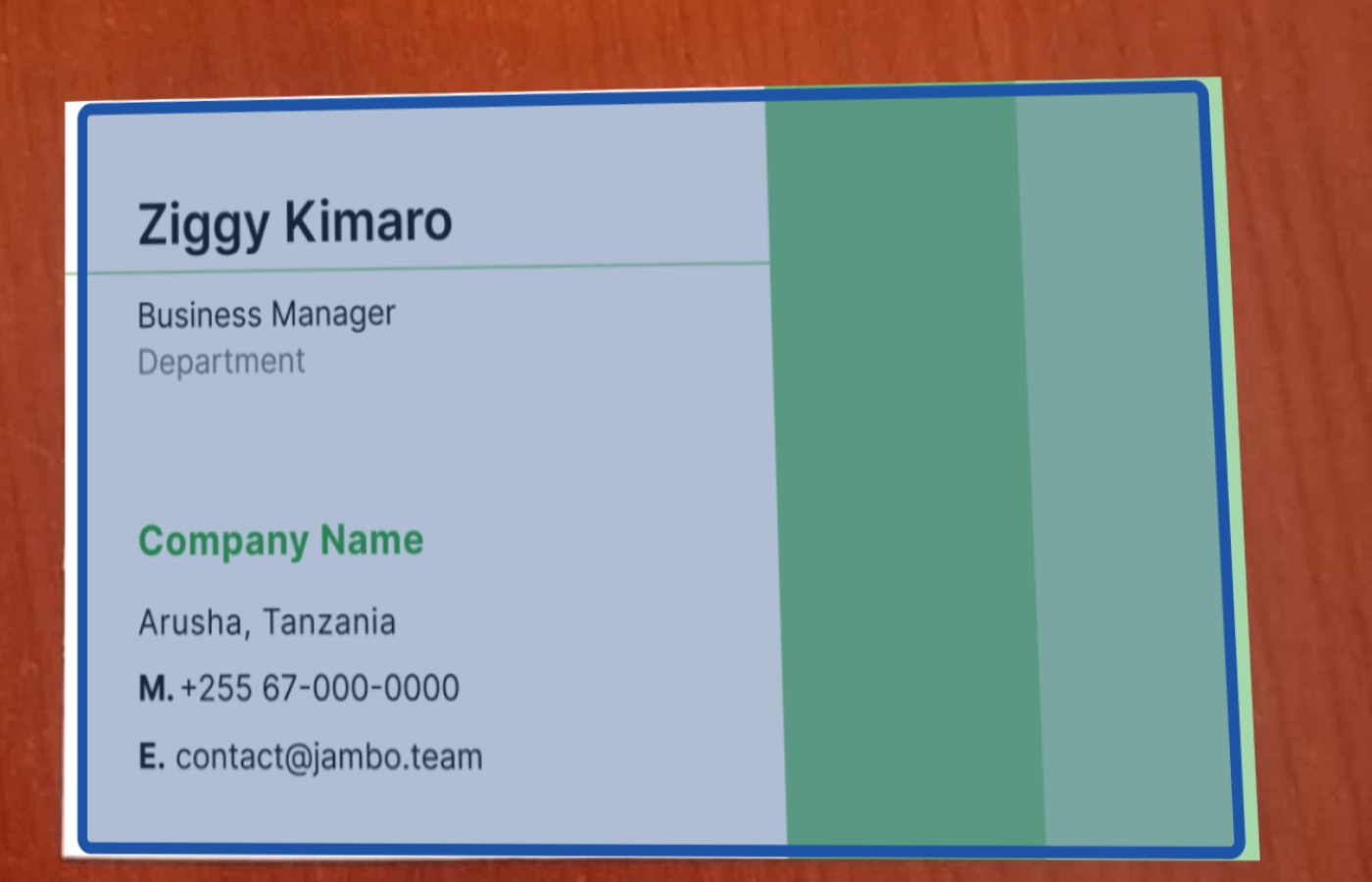
Scan any business card. Kumbuka extracts the fields, keeps the card image attached, and lets you review before saving.
Before a meeting, the brief pulls the card, place, notes, and last promise into one screen.
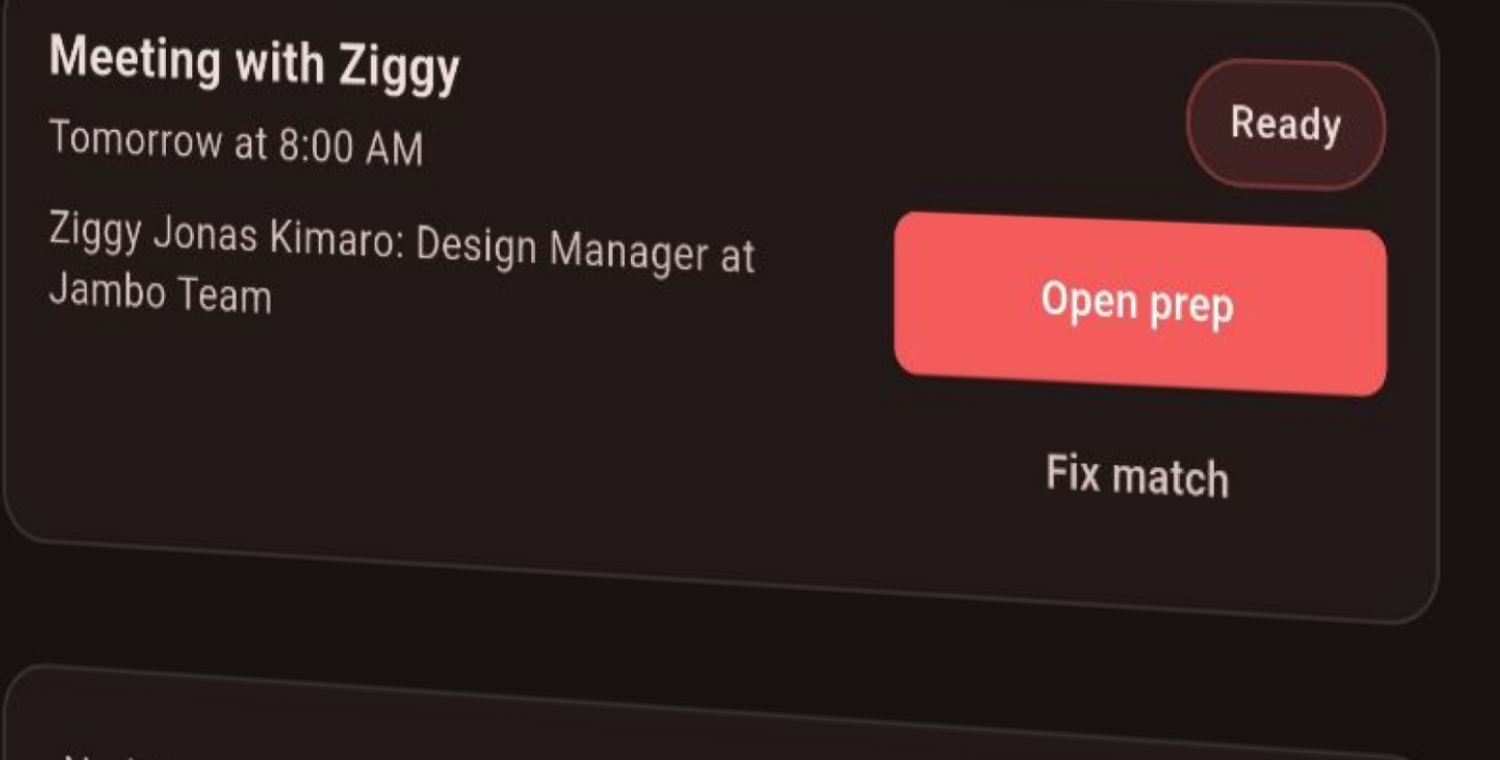
Keep the next action attached to the person, so the follow-up does not disappear into a separate task list.
The Meeting Brief
When a calendar event matches names, emails, or companies in your library, Kumbuka turns saved cards into a short brief for the room.
Karura, Nairobi · 30 min
Lerato Khumalo
Founder · Acacia Studio
James Otieno
Product lead · Stripe
Where we met
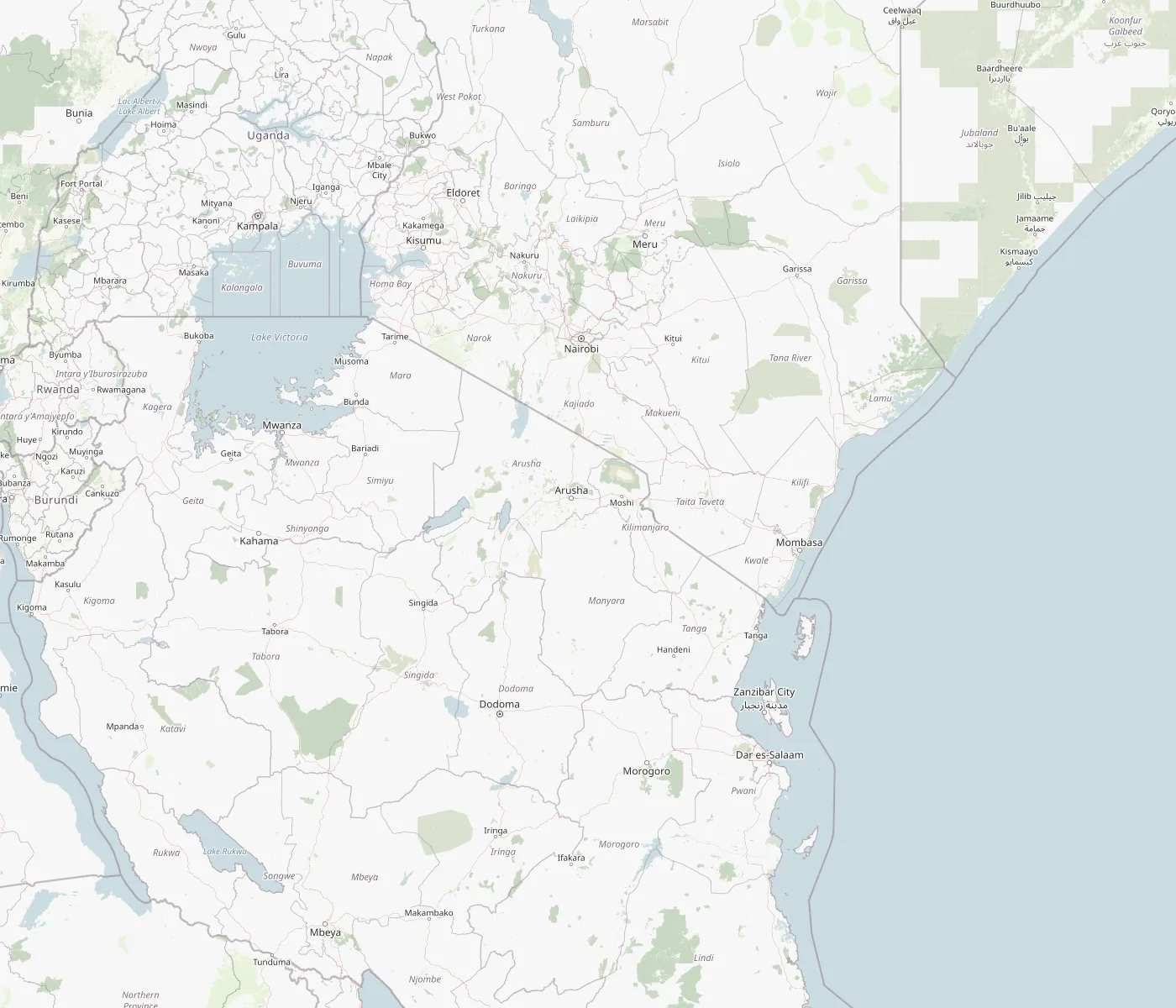
Kumbuka can save optional scan location or card address with the contact. Later, the map shows where a relationship started, not just where a company is based.
Open card
Karura coffee
Founder at Acacia Studio. Mention the Q3 deck and ask about the Nairobi launch.
Acacia Studio
Lerato Achieng
Founder
Founder, Acacia Studio
Memory profile
Karura Coffee
Q3 launch
Send deck
Friday
You last met in Nairobi. Ask about the launch deck.
Relationship memory
Kumbuka keeps the card image, editable fields, place, note, promise, and follow-up together, so a name comes back with the context that made it matter.
Plus
Share your card by proximity or link, then let the other person save it from the web if they are not ready to install.
Build your own card with templates, colors, logo, and socials, then send it by QR, vCard, link, or proximity.
Who uses Kumbuka
Built for the rooms where names, roles, and promises get lost before the next conversation.
01 / Founders
ContextInvestor dinners, Demo Day, advisors, operators.
Intro moment
Before the partner meeting
01 / Founders
FlipInvestor dinners, Demo Day, advisors, operators.
Reveal intro context02 / Sales & BD
ContextEvery booth chat becomes searchable for the next call.
Sales moment
Before discovery
02 / Sales & BD
FlipEvery booth chat becomes searchable for the next call.
Reveal pipeline context03 / Recruiting & events
ContextCandidates, speakers, members, vendors, guests.
Room moment
Before the next event
03 / Recruiting & events
FlipCandidates, speakers, members, vendors, guests.
Reveal room context04 / Everyone else
ContextDinners, weddings, school events, neighborhood meetings.
Everyday moment
Before you walk in again
04 / Everyone else
FlipDinners, weddings, school events, neighborhood meetings.
Reveal personal contextThe point is not more contacts. It is walking in with the right memory already loaded.
See the briefYour network. Yours alone.
Your cards sync across your devices with encryption in transit and at rest. Your account is the boundary.
Push contacts to your phone book, or export your full network as vCard or CSV. No lock-in.
Delete your account, cards, images, and local copy from one place. No hidden retention footnote.
Your cards sync across your devices with encryption in transit and at rest. Your account is the boundary.
Push contacts to your phone book, or export your full network as vCard or CSV. No lock-in.
Delete your account, cards, images, and local copy from one place. No hidden retention footnote.
First wave · Beta
We're still close to the people using Kumbuka. Early members shape the scanner, brief, map, and follow-up workflow before the product gets loud.
Built where we meet
+ more cities, every week.
Start now
Prefer web?Open Web App