01 / Scan
The card becomes a contact before the room moves on.
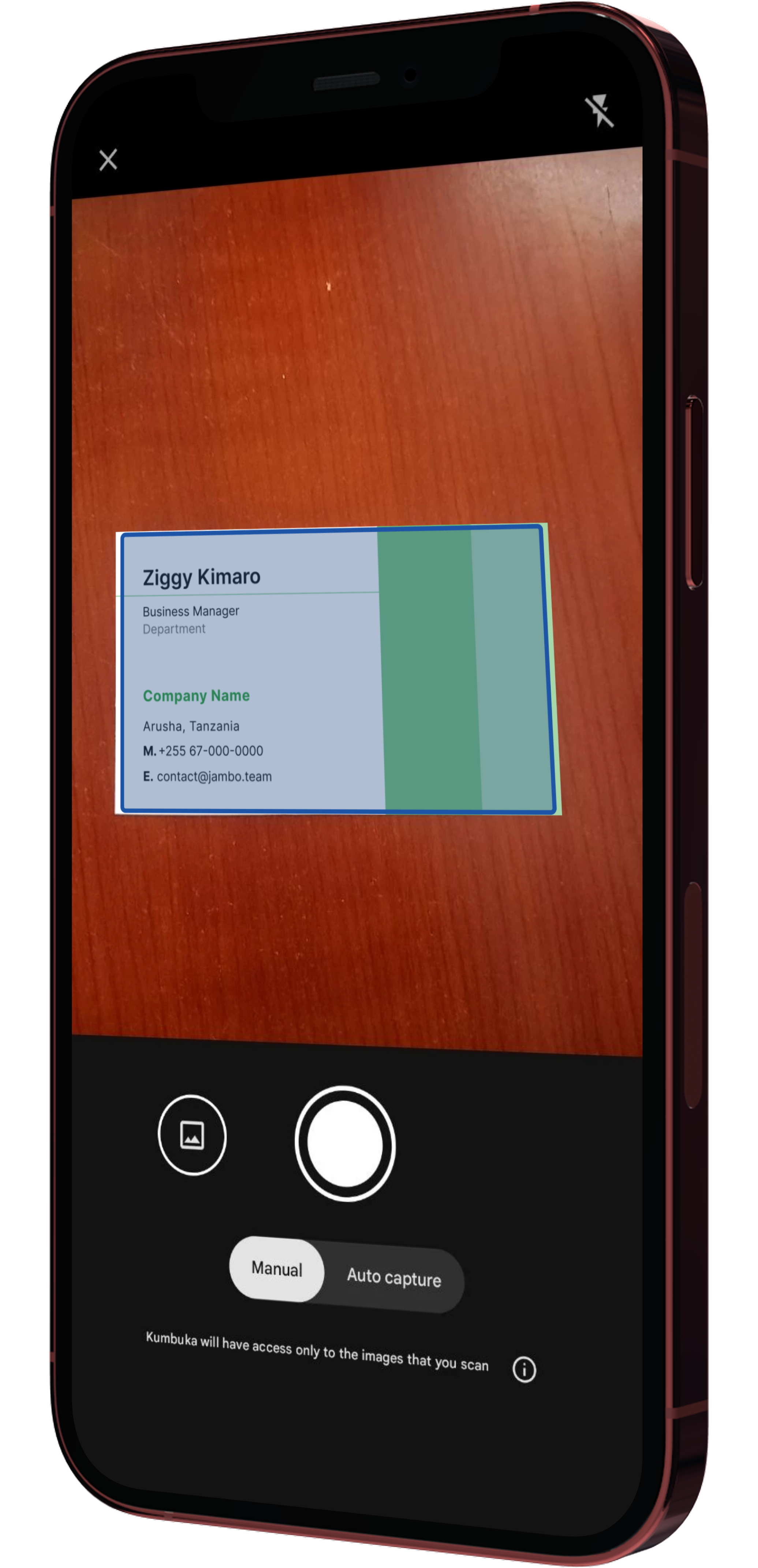
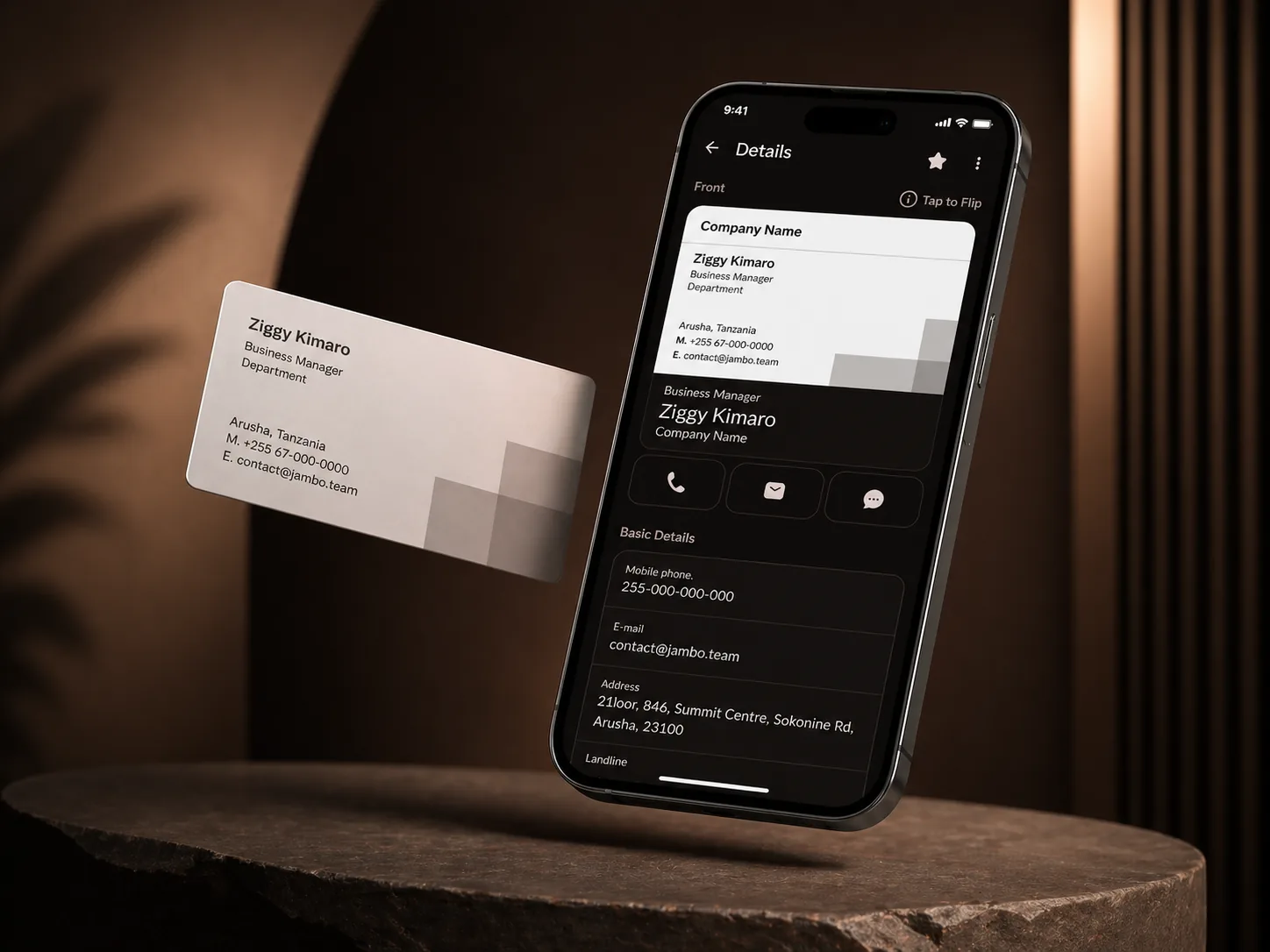
Capture the business card, review the extracted fields, and keep the original card image attached to the person.
Card imageEditable fieldsLanguage-aware extraction
01 / 09
Features
Kumbuka turns business cards into relationship memory: context, Spaces, shared directories, follow-ups, maps, and shareable contact data.
Product tour
Follow the product as a first exchange becomes a remembered relationship with context, place, timing, and next action intact.
Capture the business card, review the extracted fields, and keep the original card image attached to the person.
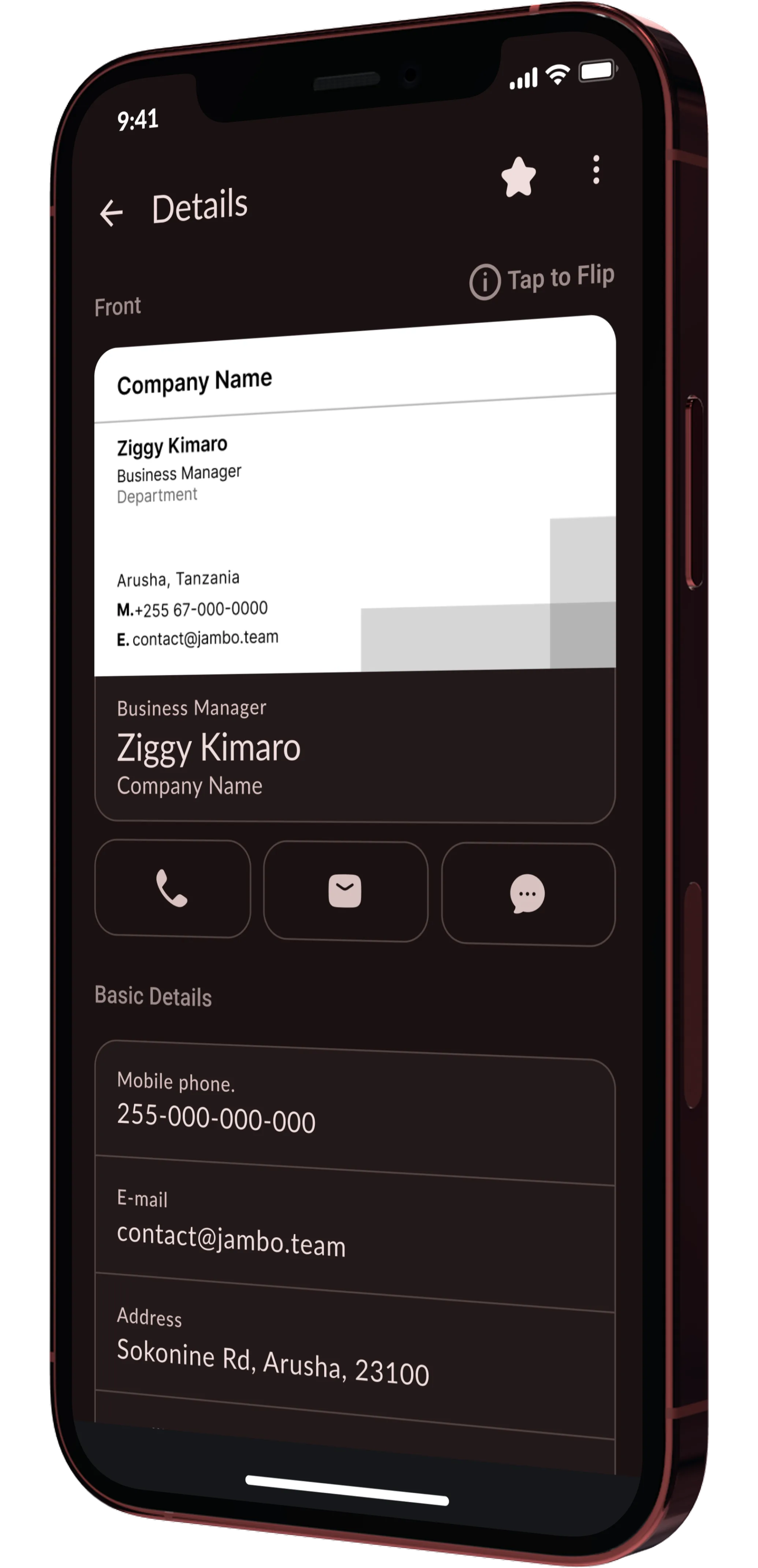
Notes, tags, role, company, address, and the reason you met all stay beside the contact instead of drifting into a separate notebook.
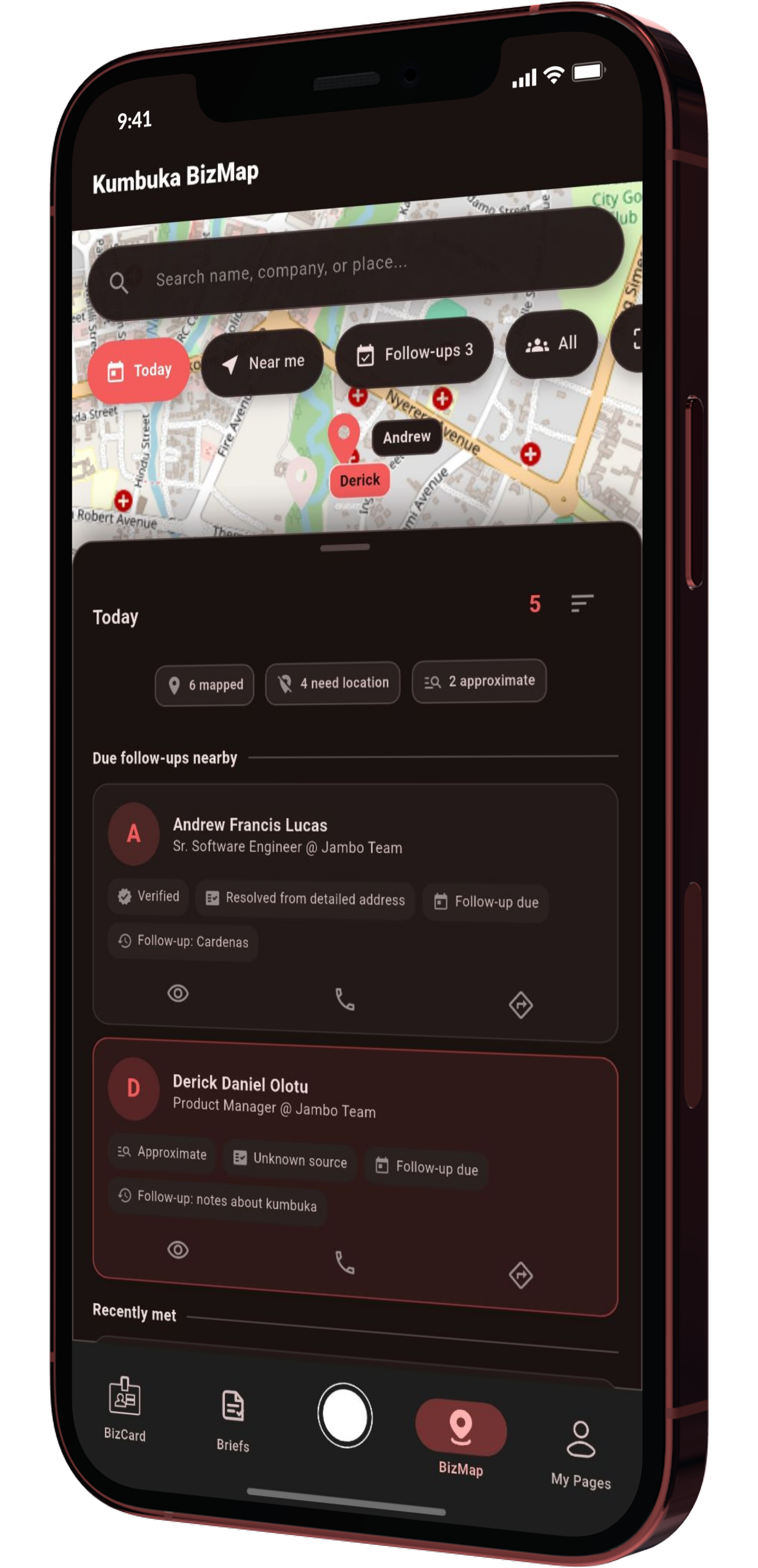
When location context is available, BizMap helps you review who you met around a city, venue, or trip.
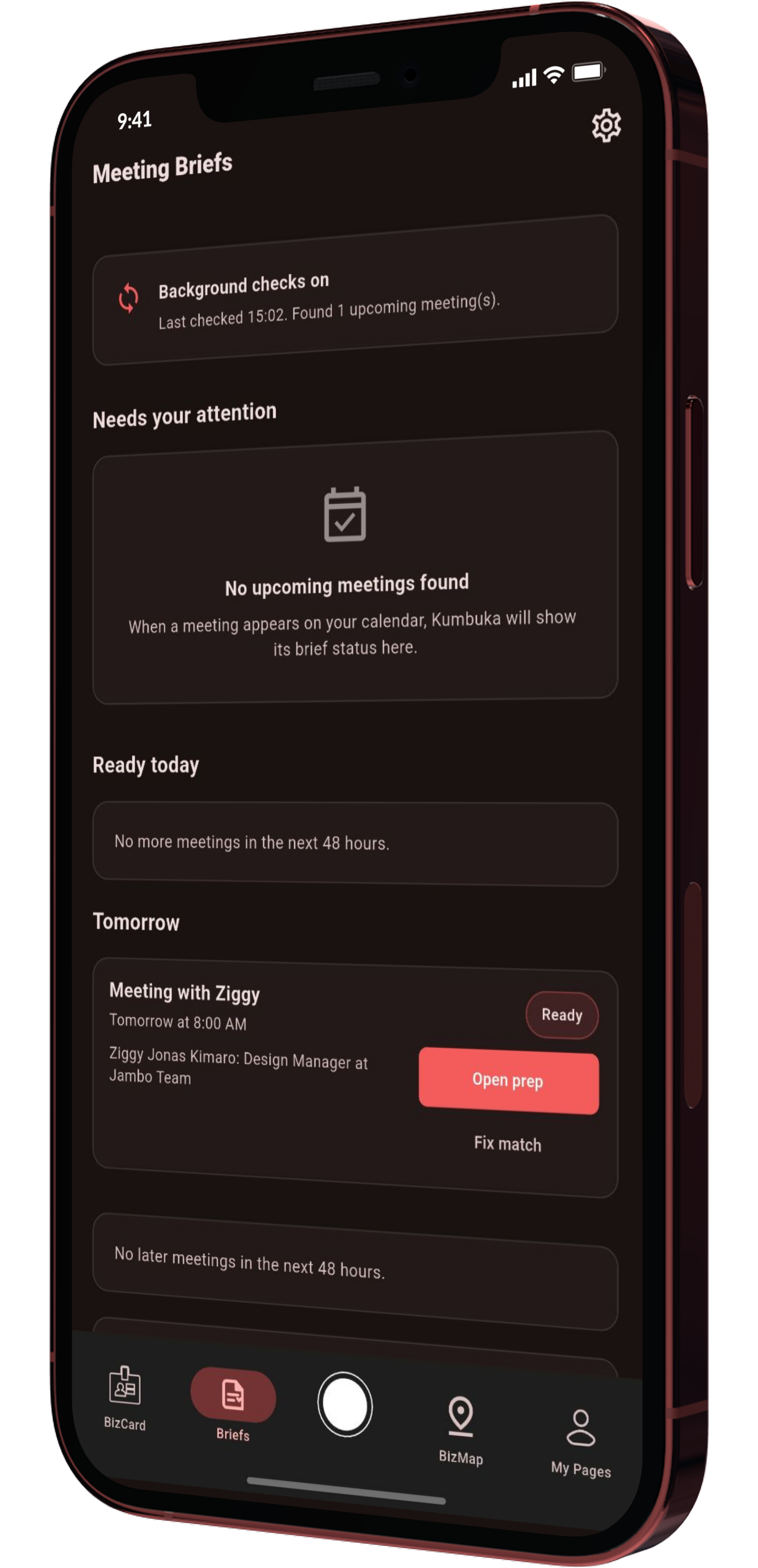
Kumbuka surfaces who someone is, where you met, what you discussed, and what to say next.
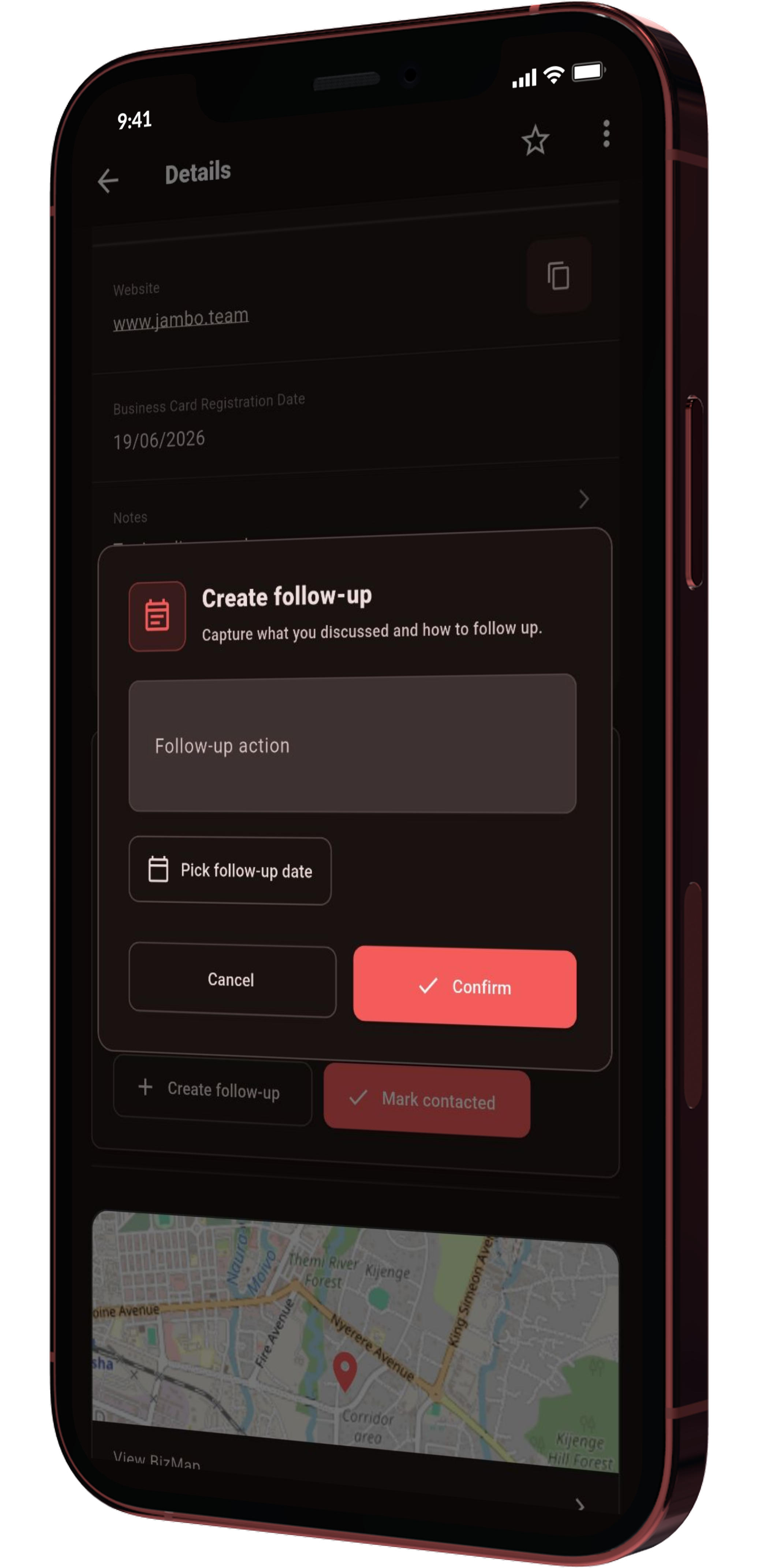
Track the promise, write the angle, and keep important relationships from disappearing after the first exchange.
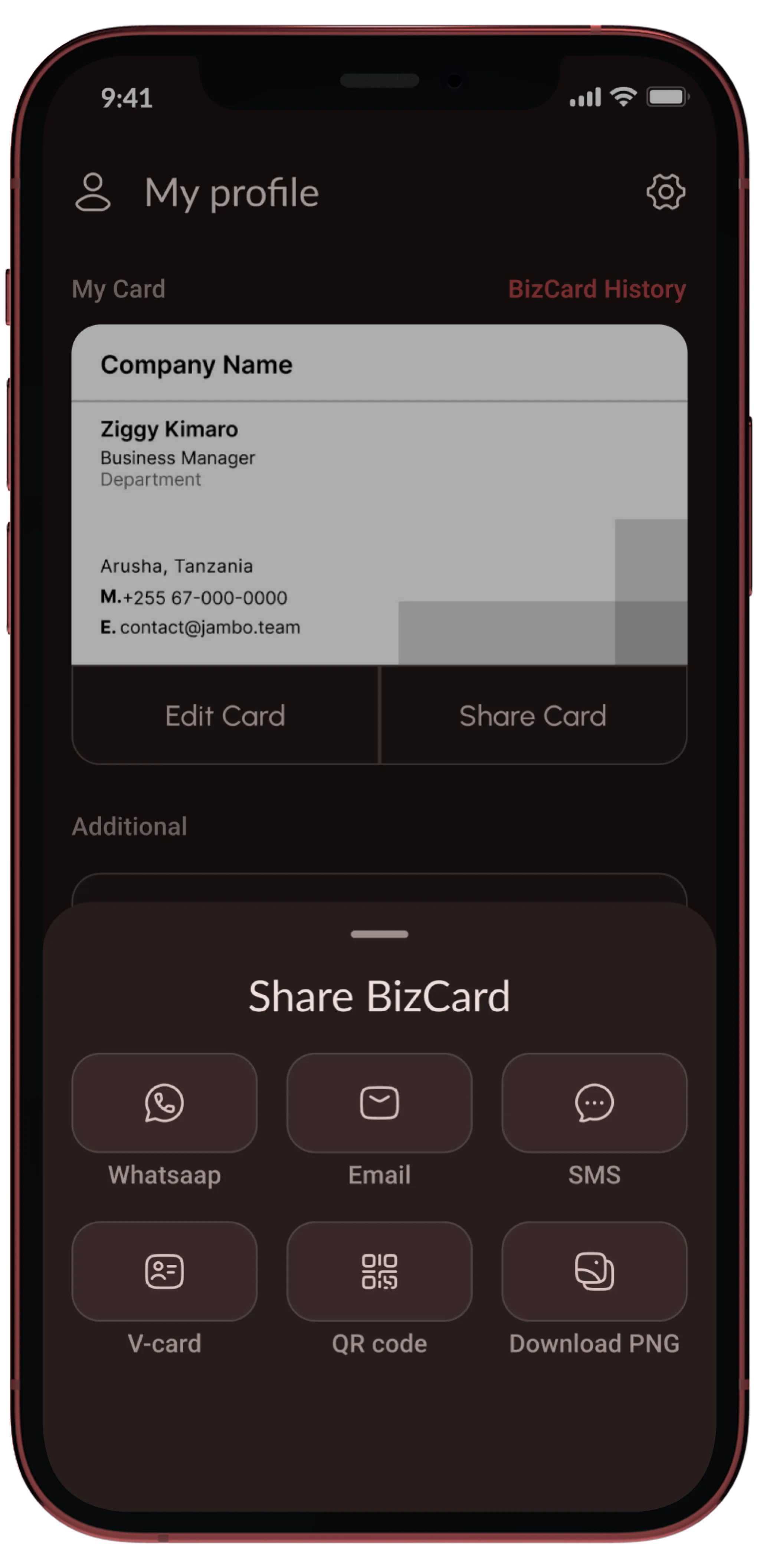
Use QR, vCard, link, email, SMS, image export, or contact export when the relationship needs to move somewhere else.
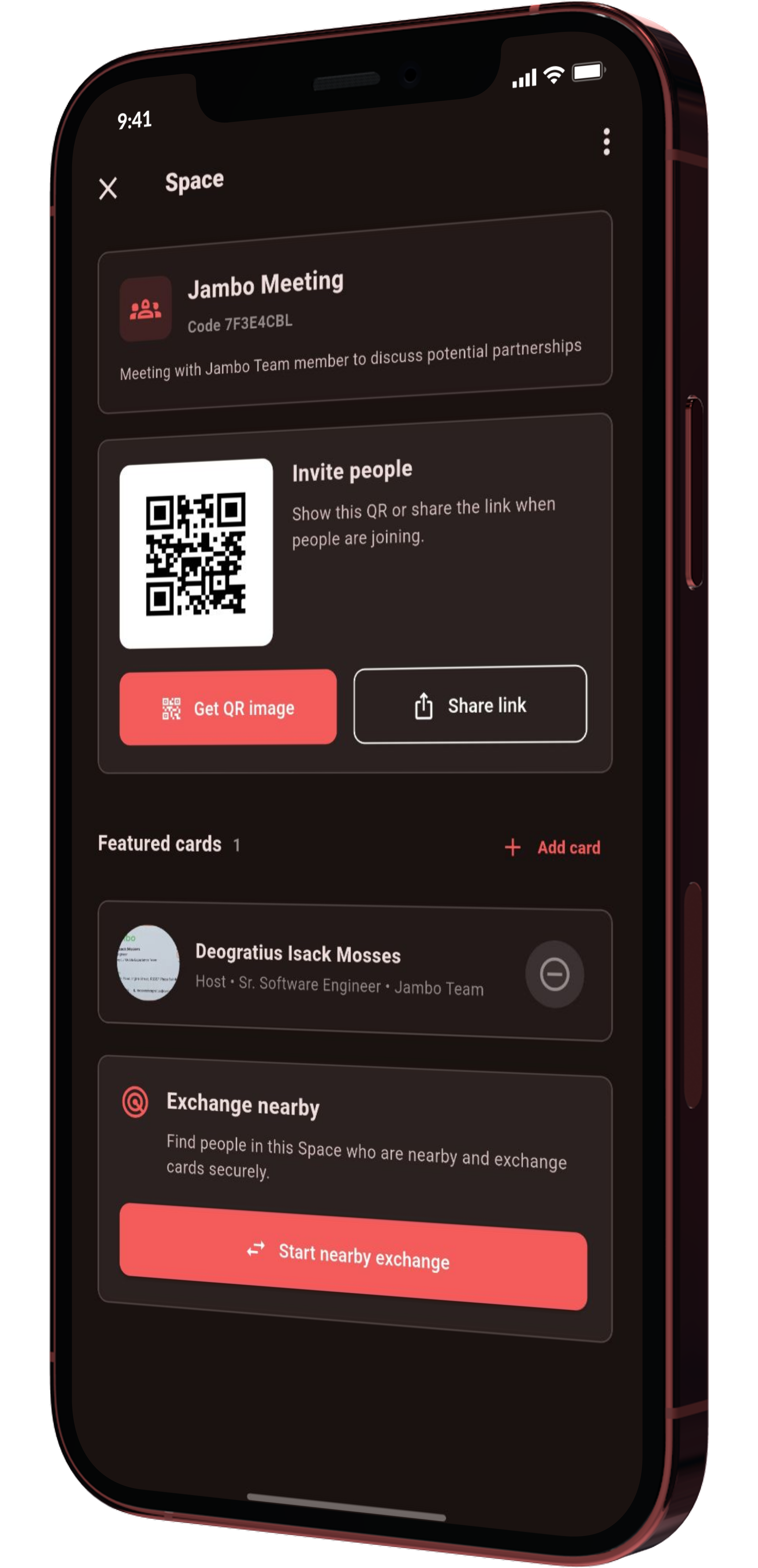
Use a Space code for a booth, speaker, workshop, sponsor, or networking room so people can save featured cards and exchange nearby.
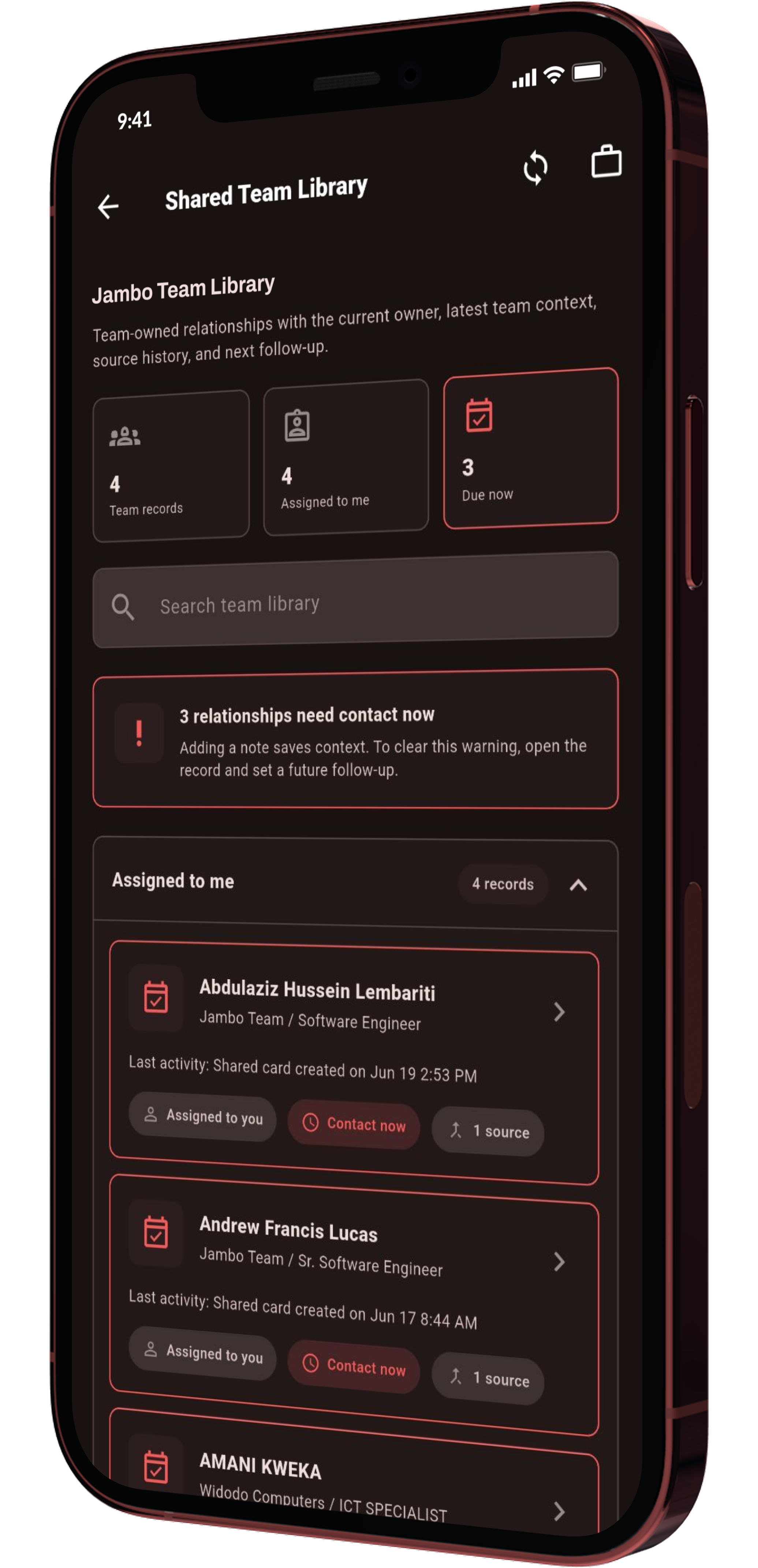
Promote the right relationships into a private Team Library with owner, source, due follow-up, and shared-field control.
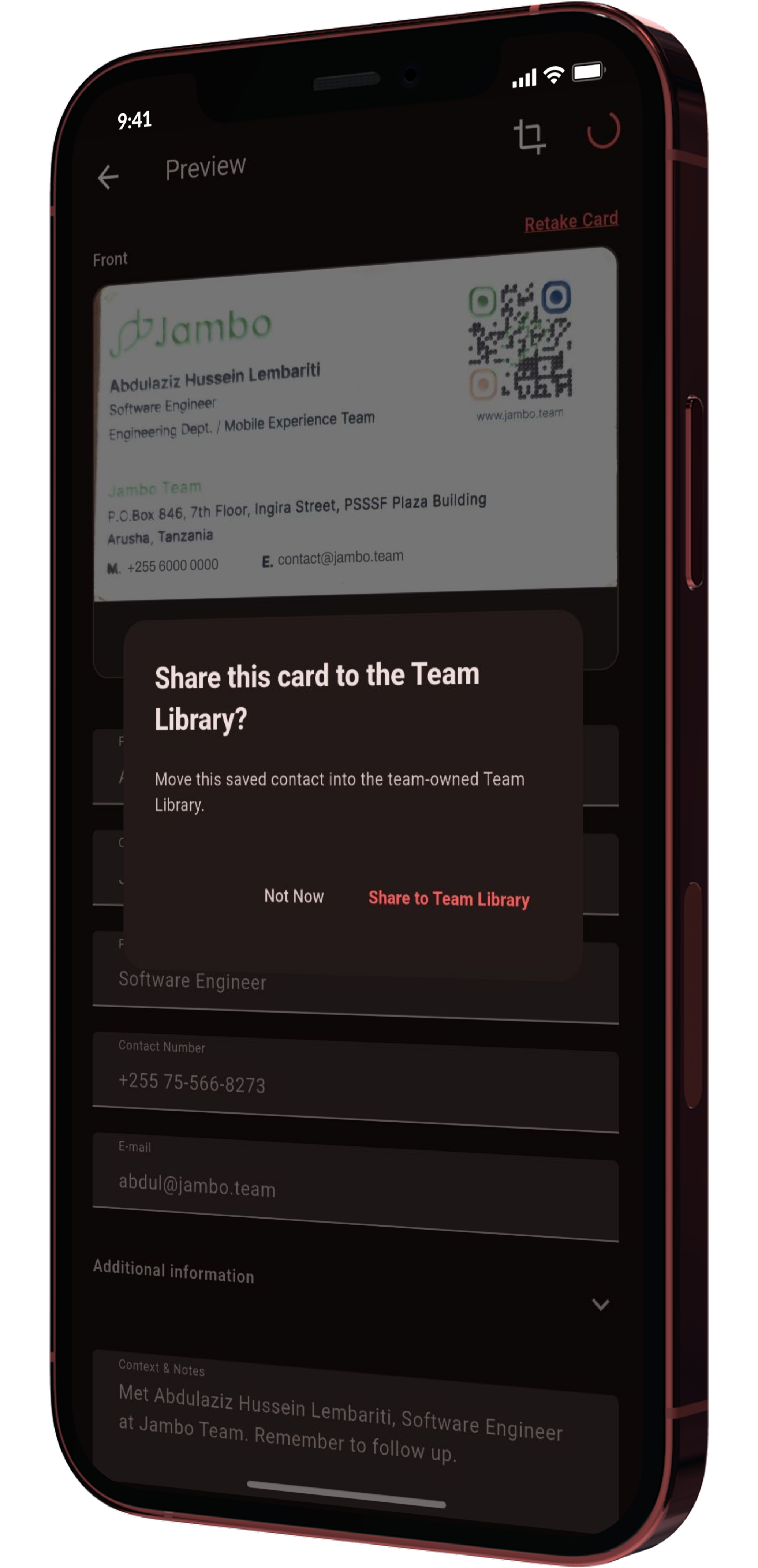
Share one card or a saved batch to the Team Library, choose the fields to include, and keep private notes excluded unless selected.
Capability map
Scan a card, review extracted fields, and keep the source image beside the contact.
Save the conversation, relationship angle, priority, and next move next to the person.
Use location context to remember who you met around a city, venue, trip, or route.
Bring back who someone is, where you met, and what to say before the meeting starts.
Keep promises, due dates, and message angles from disappearing after the first exchange.
Share your own card by QR, vCard, link, image, SMS, email, or messaging apps.
Create or join a Space for a room, booth, workshop, or host card exchange.
Create a private workspace where a team can own shared relationships together.
Search shared cards, assigned records, due follow-ups, and every team-owned contact.
See who owns a relationship, claim unassigned records, and keep responsibility clear.
Move saved cards or batches into the Team Library with selected fields and privacy control.
Product surface
Each product surface has a focused job: capture the contact, preserve the context, prepare the next meeting, and make the next action easy.
Product screen
Camera, card crop, extraction confirmation.
Product screen
Card image, fields, notes, and actions.
Product screen
Calendar context and what to remember.
Product screen
People by place, route, and visit planning.
Product screen
Room codes, featured cards, and nearby exchange.
Product screen
Shared cards, assigned records, due items, and search.
Product screen
Selected fields, privacy defaults, and sync queue.
Who it helps
Sales
Scan cards at a booth, tag the lead, add the promise, and follow up with the right context later.
Founders
Keep the note that explains who introduced you, what they care about, and when to reconnect.
Teams
Use search, tags, location, and notes so important people do not stay trapped in a card stack.
Field teams
Promote the right contacts into a Team Library with owner, source, next step, and context attached.
Event hosts
Create a Space for a booth, speaker, sponsor, or workshop so people can exchange and save featured cards.
Managers
Review assigned relationships, due follow-ups, missing owners, and the latest team context.
Operations
Share selected fields and leave private notes out by default.
Networkers
Review who someone is, where you met, and what you discussed before the next conversation starts.
Trust layer
Get started